

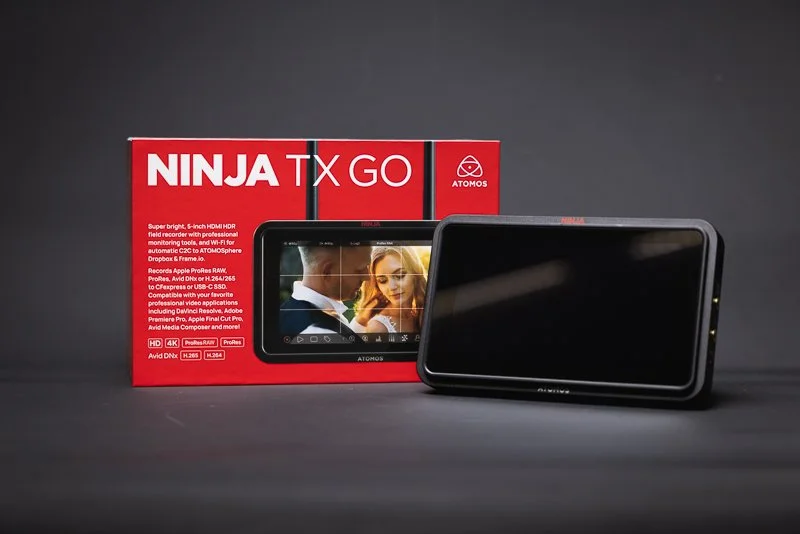
REVIEW: Atomos Ninja TX Go: All Show and Go!
Atomos Ninja TX GO is a 5" 1500-nit monitor-recorder that adds CFexpress Type B, Wi-Fi/cloud workflows, and HDMI camera control + touch-to-focus (on supported cameras)—making it a meaningful upgrade for creators who want a brighter screen, faster media and tighter camera integration.
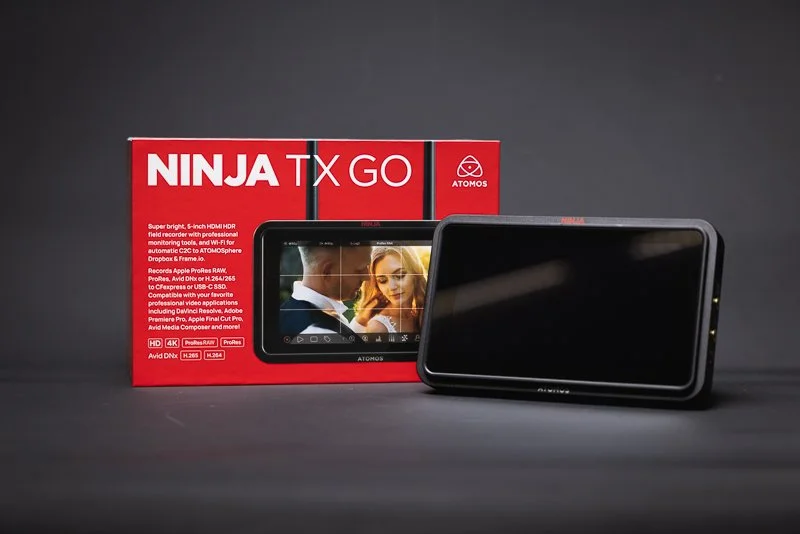
Atomos Ninja TX GO is a 5" 1500-nit monitor-recorder that adds CFexpress Type B, Wi-Fi/cloud workflows, and HDMI camera control + touch-to-focus (on supported cameras)—making it a meaningful upgrade for creators who want a brighter screen, faster media and tighter camera integration.
Buy it if: you record ProRes/ProRes RAW, shoot outdoors, want CFexpress + camera control
Skip it if: your camera isn’t supported for control / you don’t need external recording
Best for: weddings, doc, content creators, small crews


❤️ PLEASE NOTE - No AI was used to make this article. It is my own work based on my experiences and created in my own time. This item was purchased with my own money and is not in collaboration with Atomos. If you would like to support the blog, please consider making a small donation.
Some things simply can’t be improved upon. Take a perfectly worn-in mattress that feels like it was built for you, or a piece of toast, cooked to perfection, heaven! Sounds great, right? Well, swap that mattress for the latest Memory Foam with active cooling or spread a nice thick layer of Jam on that toast and tell me it isn’t ten times better! OK, I’m stretching a bit but you get the point - well that’s exactly where the TX GO comes in - they might seem like little tweaks, but they add up to a world of difference!
🔨 What is the Build Quality Like?
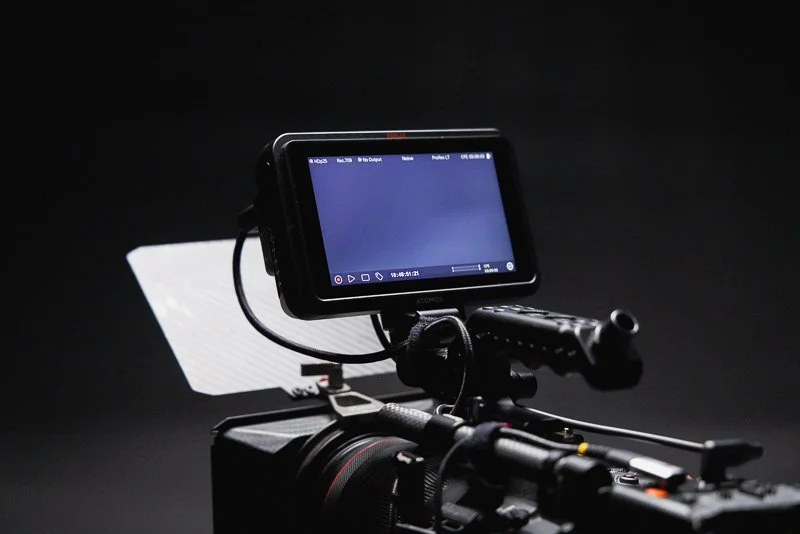
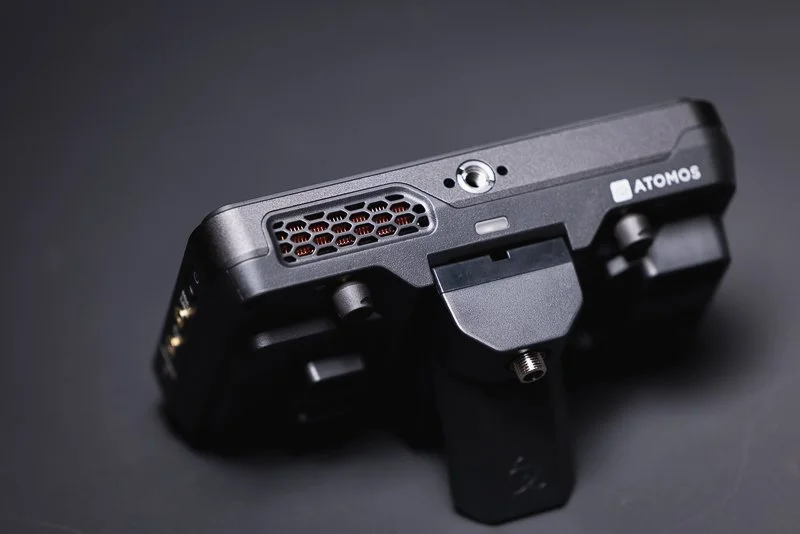
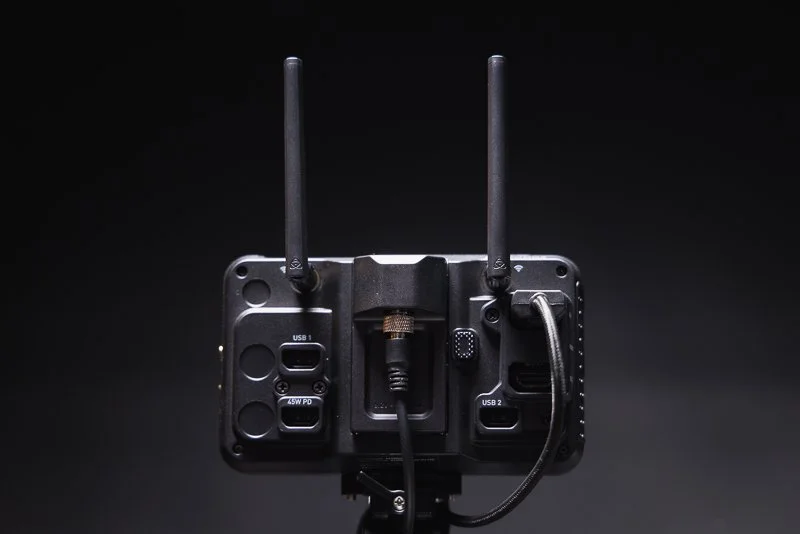
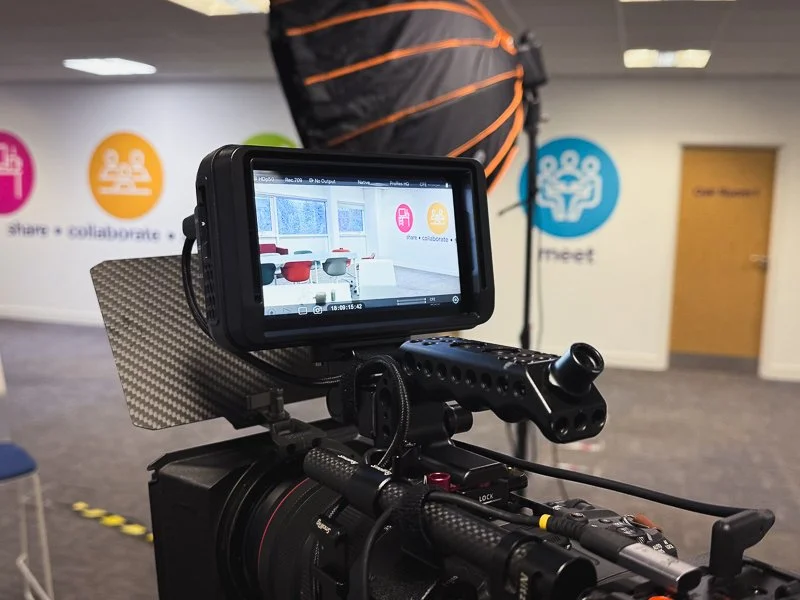
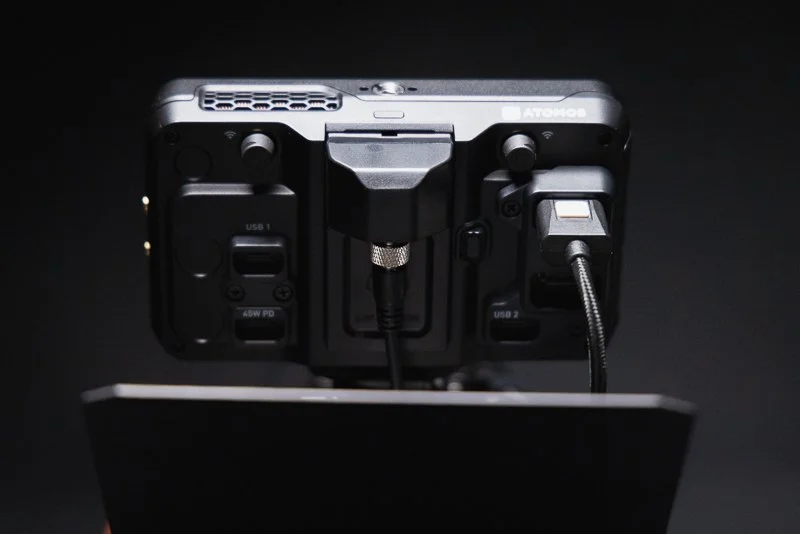
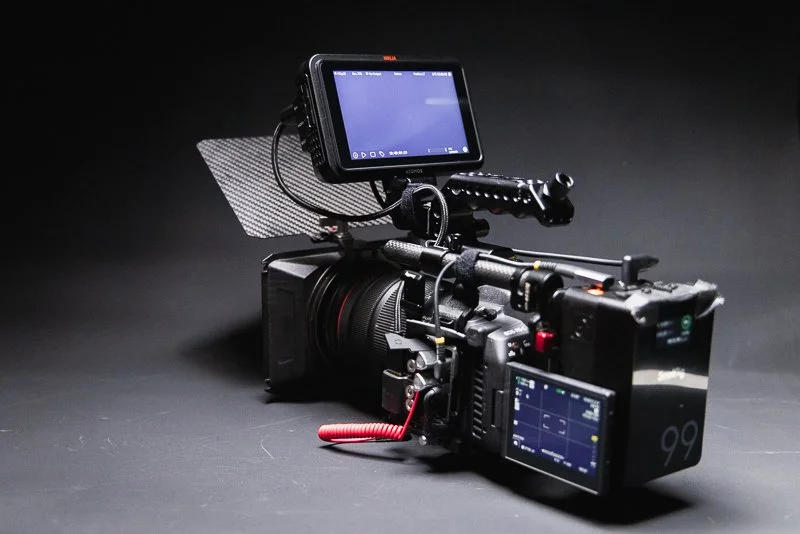
Straight out of the box, this feels like an Atomos product. It is sturdy with a reassuring weight to it. Although it is plastic, it feels sturdy and like it could take a knock or two. Atomos clearly understands its users and it is nice to see mounting points on the top and bottom of the monitor and well throughout additions like the new ‘locking’ cable clamps for the HDMI and USB-C. With the additional ‘Creator Accessory Kit’ you also receive a sunhood which is a nice add-on for those working in nicer climates than the UK!
There are some improvements to airflow and Atomos have changed the fan in the latest TX GO - it is still not silent, with a subtle whirring noise that ramps up on start-up and quickly calms down. This has never been an issue for me personally as even in interview scenarios, it is usually unnoticable. However, it is something to be conscious of if you work in exceptionally quiet environments, it may be irritating - but if you are using video lights etc. then you will be used to some subtle fan noise.

👍 What is the User Experience like?
I have used a ninja V for many years and it has always been a delight to use. The TX GO is no different to that. The improved screen brightness (1500nit) is a welcome addition and makes the screen more easily viewable in brighter lighting conditions. However, the included sun shade in the Creator Kit goes a long way to cut down on glare and reflections as well. Colours look fantastic and the screen generally gives you a lot of confidence in terms of setting exposure - though the additional exposure tools such as ‘False Colour’ basically eliminate any concerns anyway.
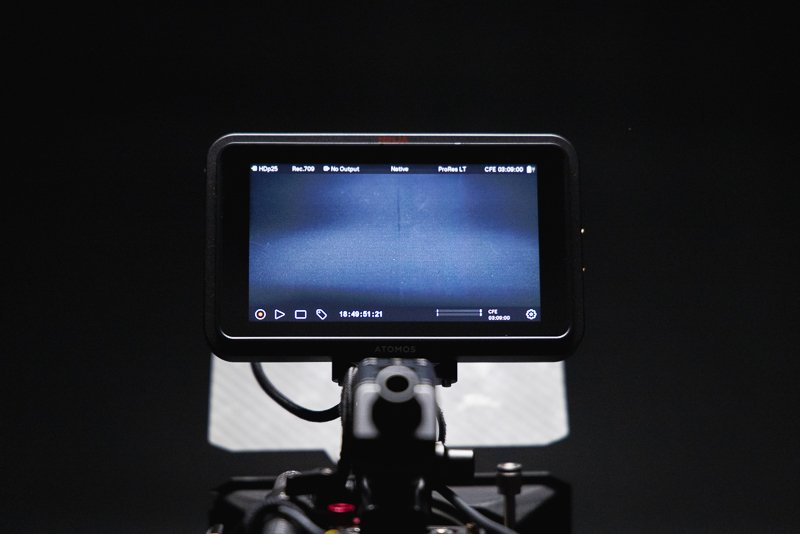
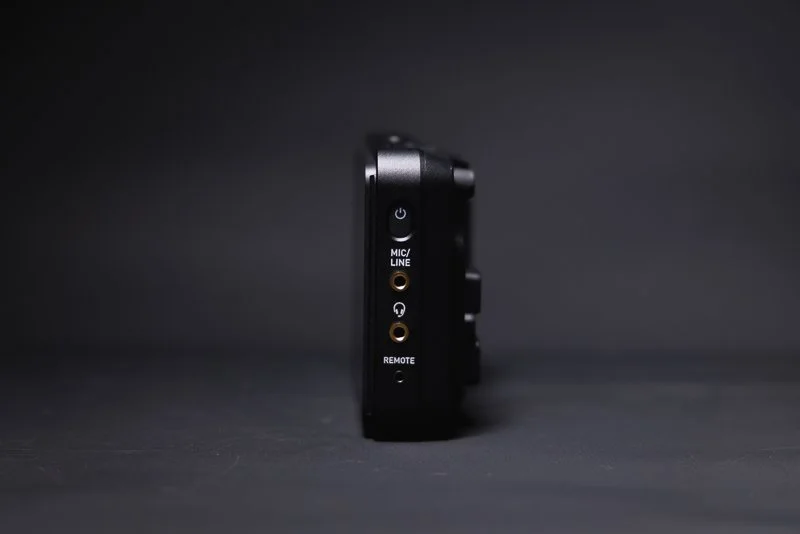
The touchscreen is fast and responsive and even with my sausage-like clumsy fingers, navigating the tools and menus is simple and rarely have I ever ‘clicked’ something I didn’t intend to. The menus are logical and well laid out, with monitoring tools and features all easily accessible. The Ninja range has certainly developed over my years of use and the menus and options now feel fully rounded with an absolute plethora of recording, monitoring and audio options and that’s before you get to the additional items that the TX brings.
📲 How do the new features work?
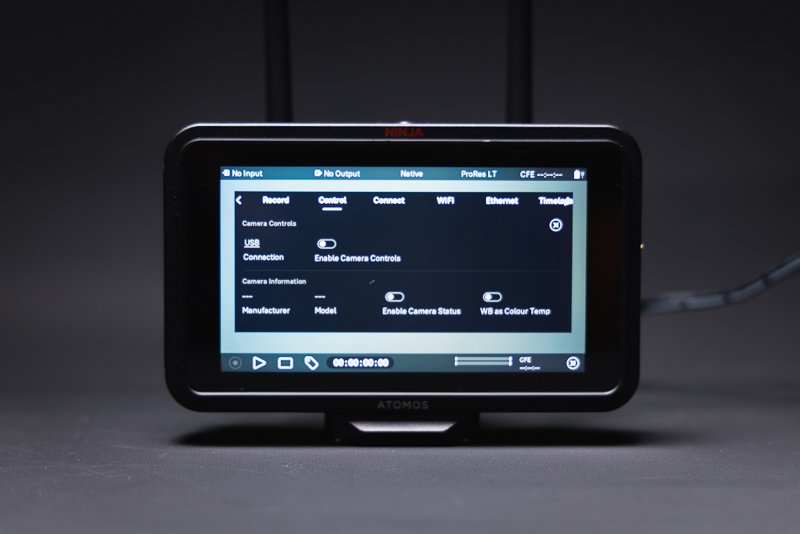
The TX GO feels like a more premium model than its midrange price would suggest and that is down to what Atomos has crammed into the new model. The standout feature for me is the new ‘Camera Control’ which allows compatible cameras to be controlled directly from the monitor. You can change aperture, ISO range and touch to focus which for me, is the real selling point. Unfortunately, my go-to video camera is the Canon R5C which is not currently supported, but having tried these features on my Canon R5 Mkii - they work great and I’m really hoping between Canon and Atomos - this is something that can eventually find its way to the R5C.
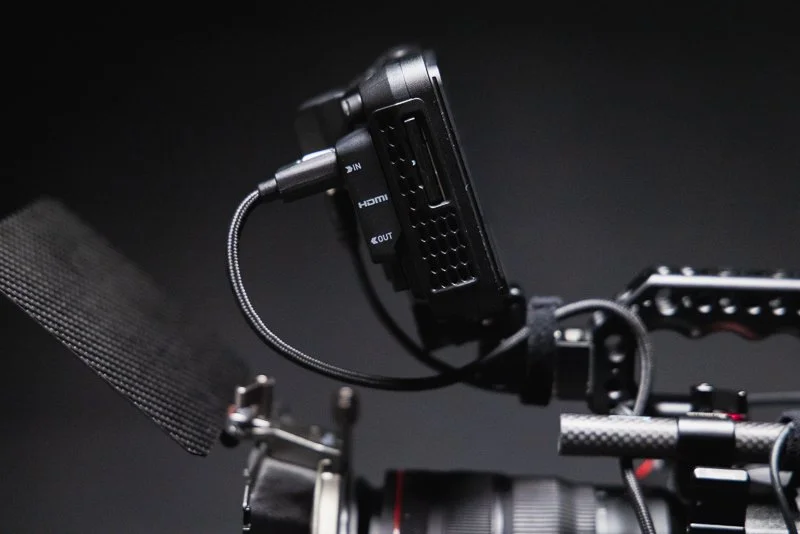
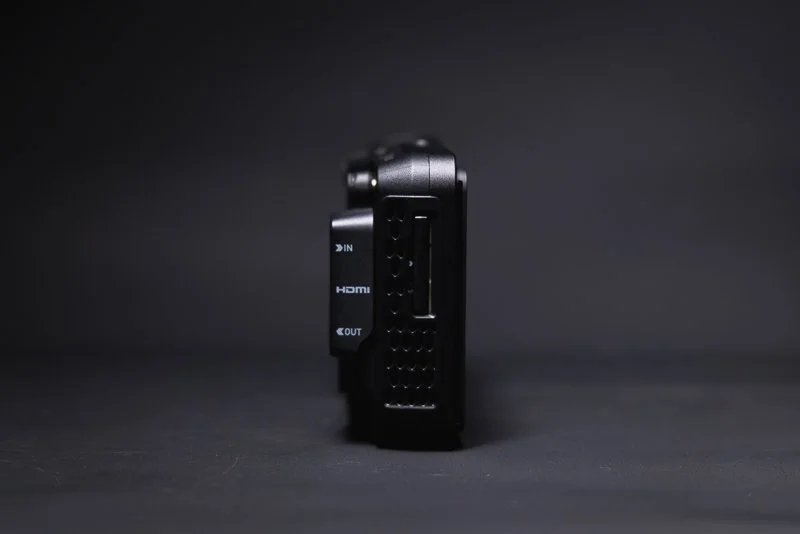
If you do have a camera that is compatible with Camera Control - one other big consideration is how the camera ‘talks’ to the monitor. Obviously, all visuals and audio are handled by HDMI but Camera Control is done over USB-C. This is fine for most users but if you are powering your camera with an external battery and use USB-C - you will need to free that port up. Most modern cameras will have multiple powering options so there will always be a solution, but if your current rig is already utilizing the USB-C port, it is something worth thinking about.
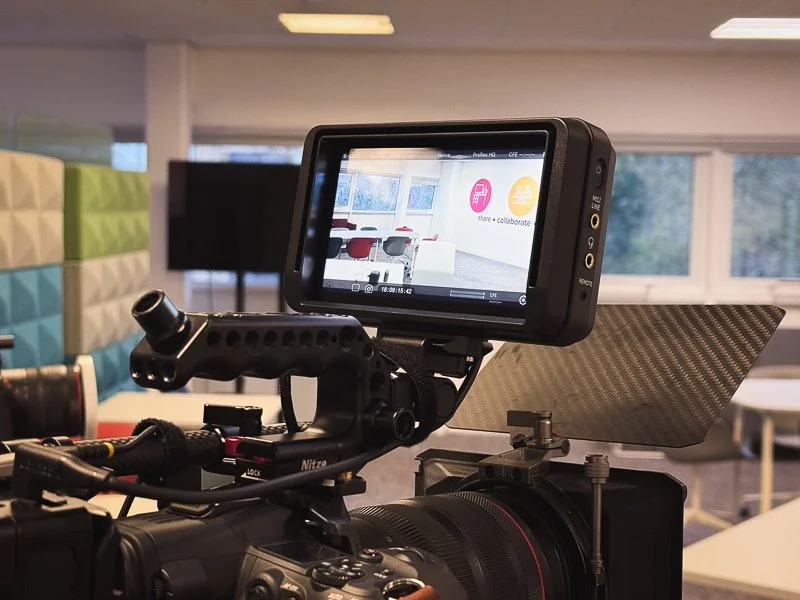
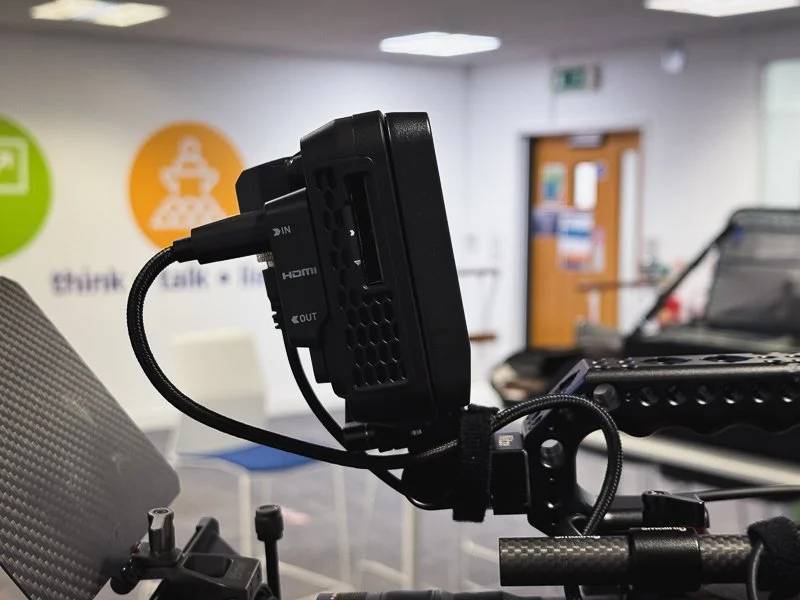
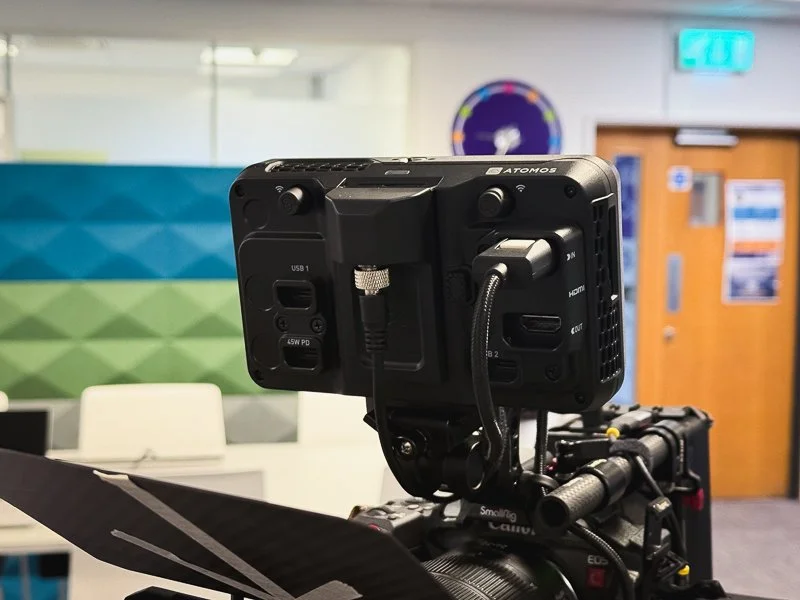
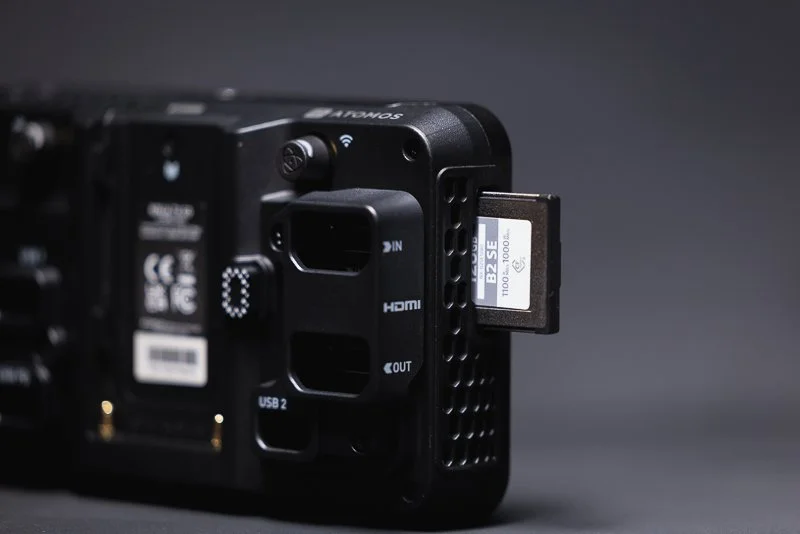
Another big selling point for me is the move away from SSD recording to CFexpress Type-B. The biggest reason I love the Ninja V range is the additional peace of mind that I get from recording to an external recorder. Most modern cameras will have some kind of ‘dual’ recording but there is just something about recording to a completely separate device. However, having to use a caddy and plugging onto an SSD always felt a bit cumbersome. The new CFexpress Type-B option not only reduces that hassle but it feels a bit more future-proof. Additionally, you can still record to an external SSD over USB-C if you desire.
More professional based users will also love the range of Codecs on offer in the TX GO. As standard, it offers Apple ProRes/RAW up to 6Kp30, Avid DNx, H.265 and NDI 6 HX3 TX & RX - so you are basically covered for all but the most demanding of scenarios. Atomos have always offered user upgradable packages that can be purchased via their website - but for me and many other users, the included line-up of codecs is more than enough for most workflows.
Finally, the TX range offers the ability to utilize WiFi cloud compatibility for both streaming and back-up. You even get 20gb of cloud storage which is crazy when you think about it - I only really use a Ninja because of the ‘off-camera’ recording capabilities and now I can send files to the cloud for additional piece-of-mind. Depending on your personal use case, this is an amazing addition.
🔎 QUICK LOOK PRO’S AND CONS
PROs
Exceptionally good touchscreen responsiveness and accuracy
1500nit monitor brightness is great for outdoor use
Camera Control is a brilliant feature (with compatible cameras)
The addition of CFexpress Type-B is more than welcome
Atomos are generally very committed to firmware updates offering new features
CONS
Fan noise might be an issue to some users in extreme circumstances
Camera Control is not compatible with all cameras (not necessarily Atomos’ fault!)
Price point is certainly higher than other options if you don’t need/can’t use all of the features
☝️ Is it worth the upgrade if I own a Ninja V?
For current owners of the Ninja V, the TX Go causes you a bit of headache. The TX GO is similar enough to previous generations that you might not see the point in upgrading. However, the addition of Camera Control (for compatible cameras), the additional connectivity features, improved brightness/fan and CFexpress Type-B - all make this a compelling option and one that I would class as a worthy upgrade.
Source: Pro Moviemaker via YouTube
One thing that I really admire with Atomos is their on-going commitment to firmware updates and a continual striving to improve their products. The difference with the TX range is that the physical upgrades make them a justifiable purchase. Knowing that Atomos are committed to the longevity of their products means that the TX range will be well supported for the next few years at least so investing now in those additional physical benefits, seems like a ‘no-brainer’.

✅ Final Thoughts…
I started this post by suggesting that some things just can’t be improved upon. However, Atomos clearly pay no attention to that idea and have strived to make an already great product range even better! Even though the price point of the TX range might be slightly out of reach for some, the value of what the TX GO delivers compared to some monitors more than double its price can not be understated - it really is a powerhouse of a portable monitor.
The Ninja V has been the go-to choice for many thousands of creatives over the years and with this latest refresh, it seems the TX GO will serve many thousands more, long into the future. With all that said, if you don’t need all of the bells & whistles, Atomos has such depth in their range of products, it’s difficult to believe that they wouldn’t have something that fits your needs. Leave a comment below if this little monitor does the job for you or if you think it’s missing something?
🔴 FAQ’s
-
There are multiple version in the TX range but the TX Go version that I tested was priced at £720 at the time of purchase. This included the additional ‘Creator Kit’.
-
This will completely depend on your own use case but if you can make use of the Camera Control feature, than I would say Yes! The additional upgrades are well worth the price but if you own a ninja V and it’s doing everything you need it too, then maybe hold out for a sale!
-
Honestly, I could see the TX Go being used on all but the most high-end of productions. You will know if it fits your needs but for the vast majority of users, it will get the job done.
-
For me, the price feels high but there are so many features here, it’s difficult to complain. I would love the fan to be silent and I wish the body was metal, but then there are always compromises. I’d also love to see the ‘frame’ of the body covered in mounting options so it feels a bit more adaptable.
-
There are certainly more expensive options out there and there are definitely users that will ‘need’ an alternative option (such as RED owners choosing to use RED monitors etc.) However, ‘better’ is very subjective in this case and I think you would be hard pushed to find a better value proposition for the features on offer.
📸 Are you a photography/videography brand looking to showcase you products? Take a look at my Media Pack and Contact Me to discuss how we can collaborate on a sponsored review.
Posts you might also like…

About the Author - Ross Jukes is a professional Photographer and Videographer with over a decade of experience. Working in both Digital and Analogue formats, Ross has worked with international clients, had his worked published numerous times and exhibited his work extensively. With a passion for all things photographic, Ross combines his experience, enthusiasm and dedication to his art form to create engaging and educational content for the photographic community.
Disclaimer: All links to Amazon UK/US are affiliated links - you will still pay the same price but I will receive a small commission for providing the link. All information provided in this blog is intended either for educational or entertainment purposes and is accurate to the best knowledge of the author. However, further research/professional advice should be sought before making purchases/implementing any advice given and no responsibility is taken by the author or parties mentioned here within.
After nearly two months of regular use, the Bright Tangerine Titan Arm 2 Ti has become far more useful than I expected. I tested it for monitor mounting, lighting, teleprompter setups and general rigging — and while it is significantly more expensive than a typical magic arm, there is a very obvious difference in quality.